
1. Show photos on the map
- In the daily view, select the date when the photos were taken.
- Tap the stacked-photos button in the bottom toolbar.
- If a photo library permission prompt appears, review it and grant access to use this feature.
- Photos with location metadata appear on the map. Tap the photos button again to hide them.
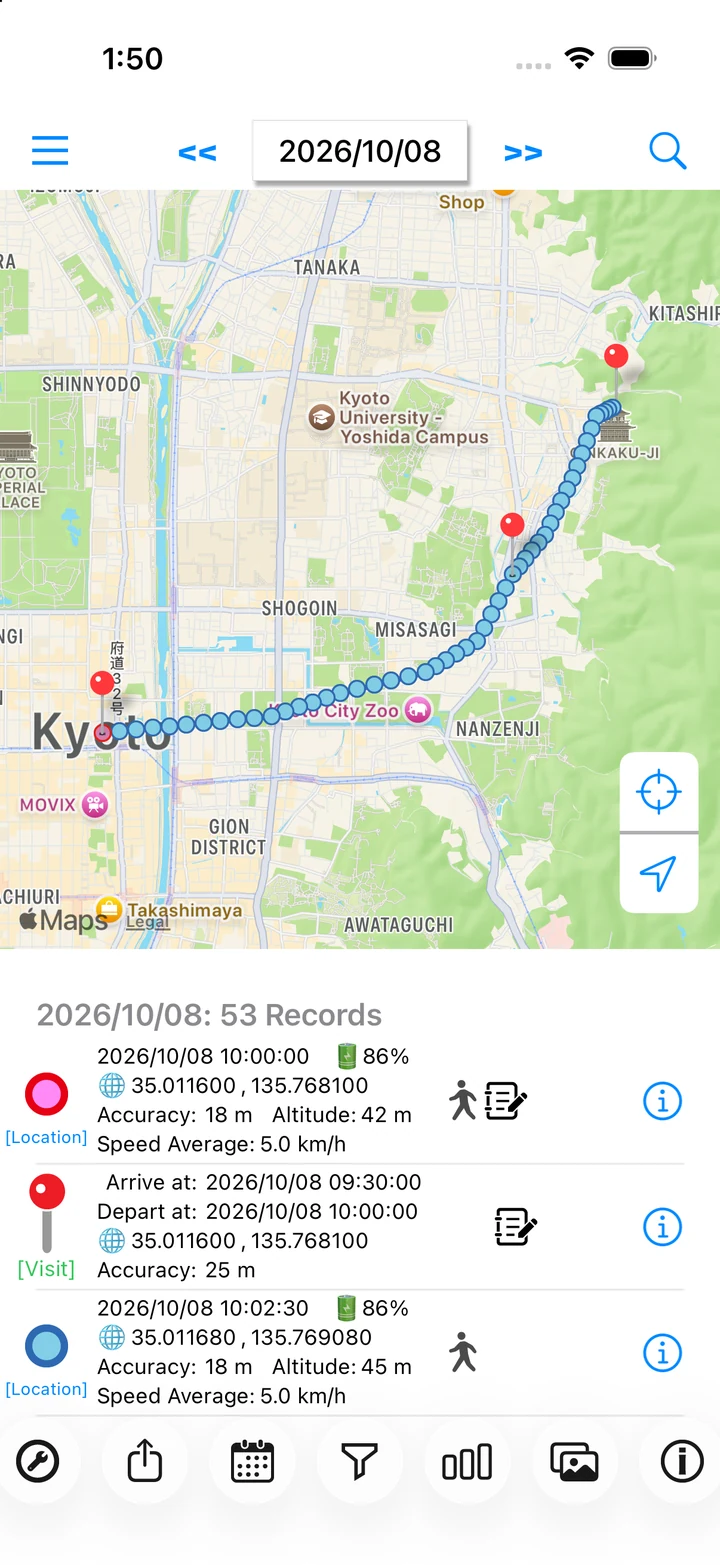
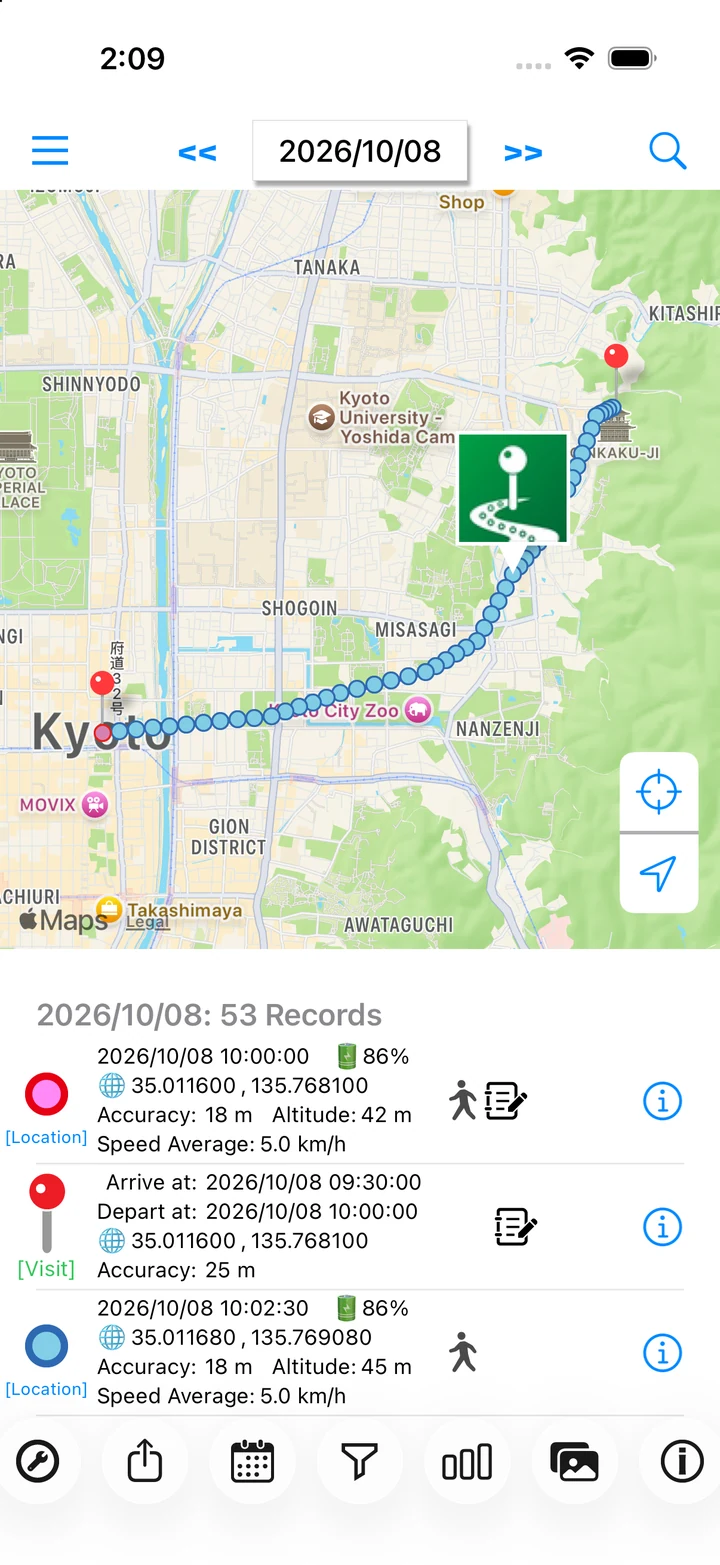
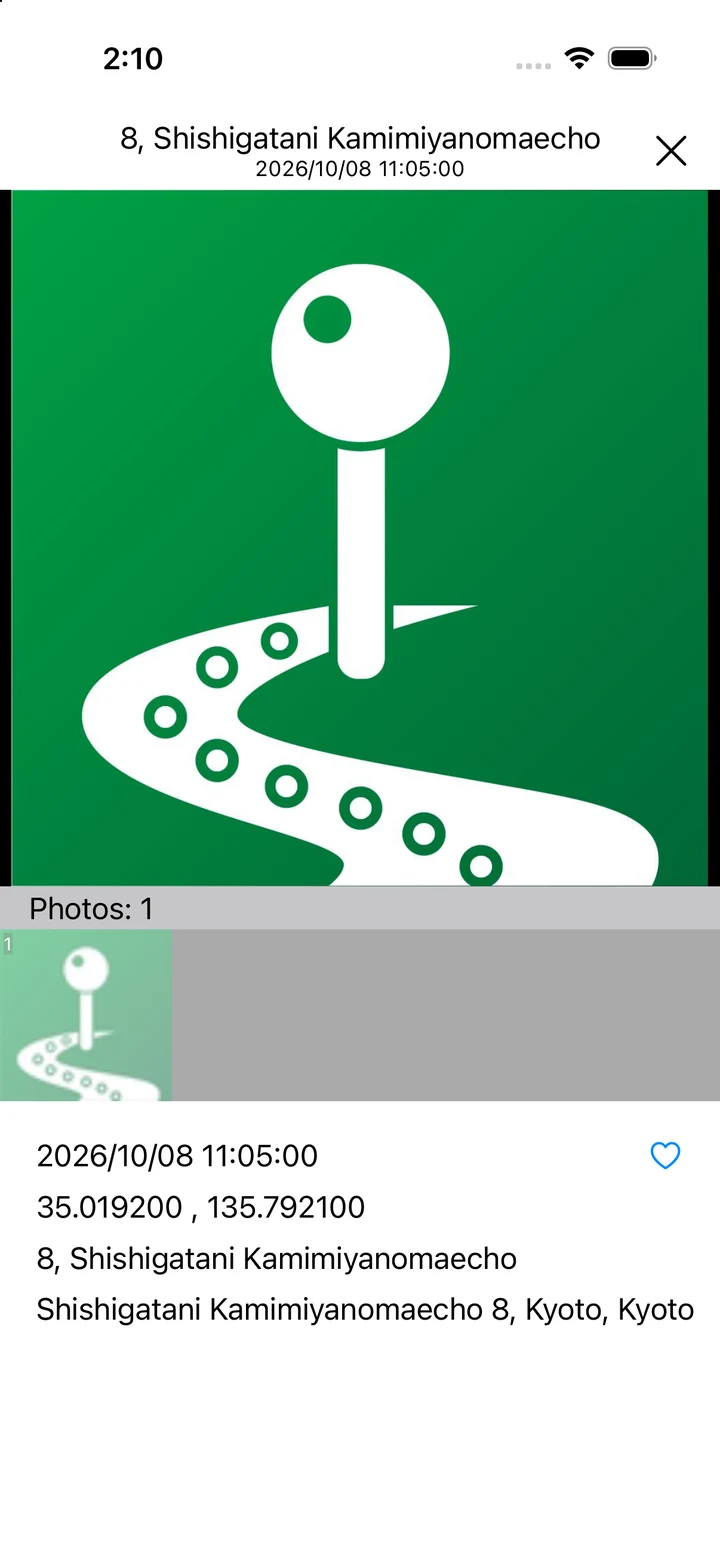
2. Open a photo from the map
Select a photo on the map to open the viewer. Review the day's photos along with their capture time and place. Photos remain in your iPhone photo library; LogMyPlace does not add new location metadata to them.
Photo display requirements
- The photo's capture date must match the date selected in the daily view.
- The photo must have location metadata. Check your camera's location settings too.
- LogMyPlace must have permission to read the photo library. Limited access may prevent display and prompt you to open Settings.
- Downloading a photo stored in iCloud may require an internet connection.
If a photo doesn't appear
Check photo permissions in iOS Settings, then use the Photos app's information view to check the image's date and location. After making changes, switch dates or reopen LogMyPlace. Permission names vary by iOS version.
Contact support if the issue continues