
LOGMYPLACE FOR DRIVING
The roads you took.
The stops you made.
A map to look back on.
Keep a daily map of your drive and the places you stopped. Set up before departure, and review your day once safely parked.
Free to start · In-app purchases available
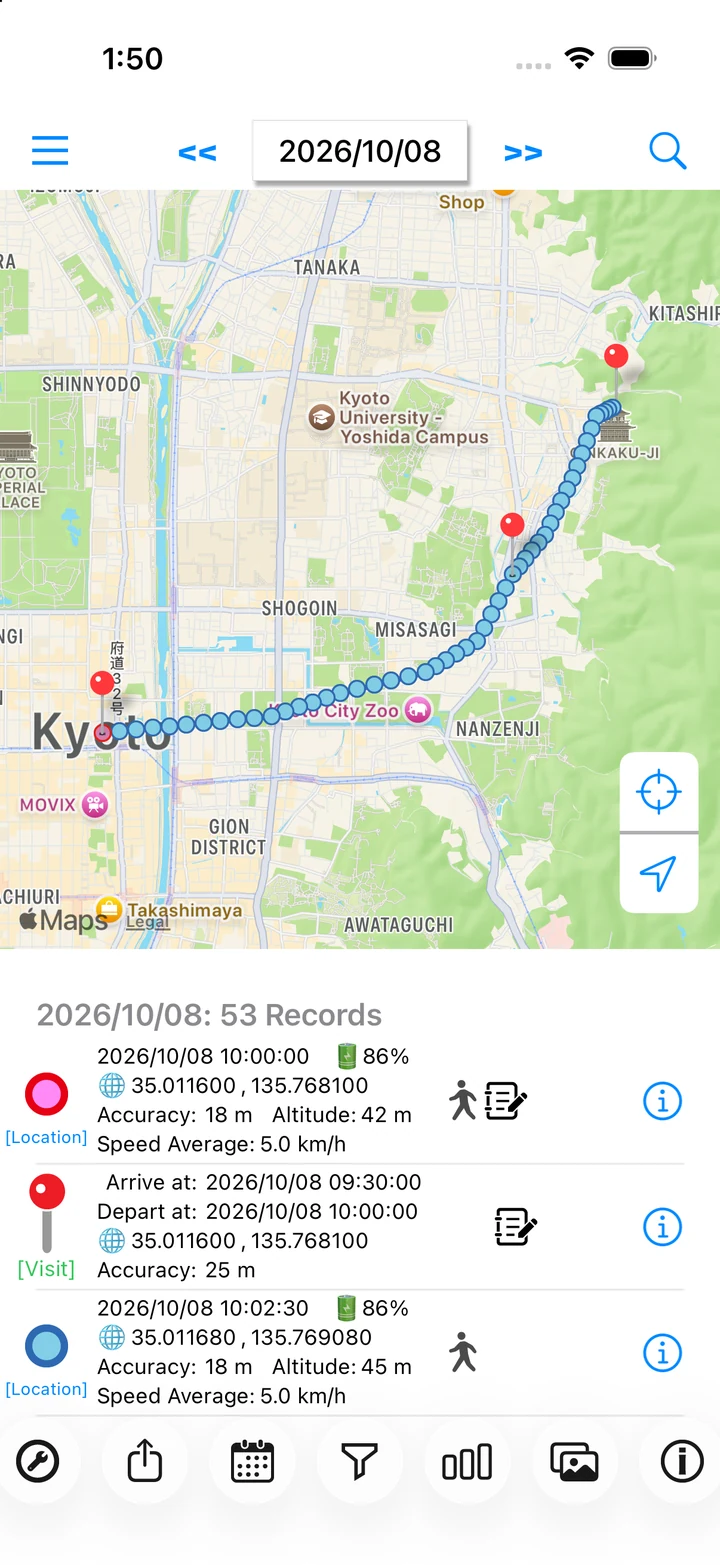
Actual app screen / Sample records
DRIVING / LOOK BACK
Look back on your drives.
Recall where you stopped and how your day unfolded. A map and timestamps help put the journey back together.
HOW TO USE
Make it part of your day.
Set up before you leave
Check recording and permissions while parked somewhere safe. Choose a preset that suits your journey.
Read the stepsRevisit your stops
Once parked, check the daily map and visit times. Add a note to a rest stop or another place you want to remember.
Read the stepsSave your location data
With Pro, export one day's location points as GPX for use in a compatible tool.
Read the stepsA day with LogMyPlace
- Finish setting up before departure, while safely parked.
- After your drive, select the date and review the route and stops.
- Save a day you want to keep using Pro's GPX export.
LOGMYPLACE PRO
Do more with your history.
Pro can export a day's location points as GPX. Choose CSV or JSON to export your full location and visit history, including notes.
Compare Free and ProThings to keep in mind
Use the app only when safely parked. Tunnels and other poor GPS conditions can leave gaps, and straight lines between recorded points may differ from the road you took.
QUESTIONS
Driving questions
Can I use it for navigation or live speed readings?
The app records your journeys so you can review them later. It does not provide navigation, CarPlay features, or accurate live driving-speed readings.
What should I check if recording has gaps?
Check Always location access, the recording switch, and GPS reception. See our recording checklist.